
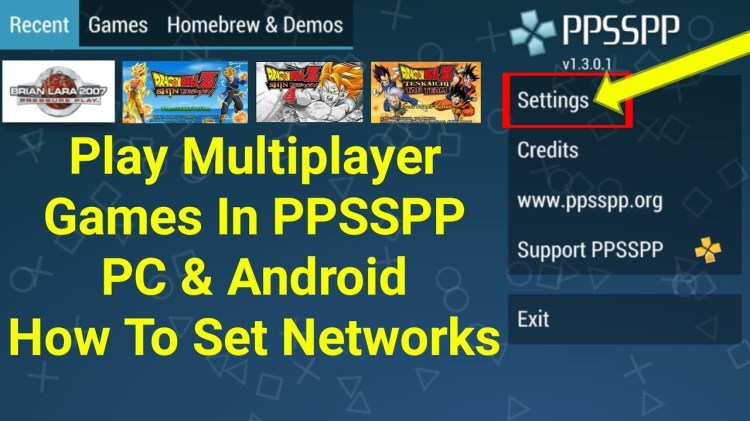
PPSSPP Android multiplayer settings *Android’s portable wifi hotspot*
Things you need
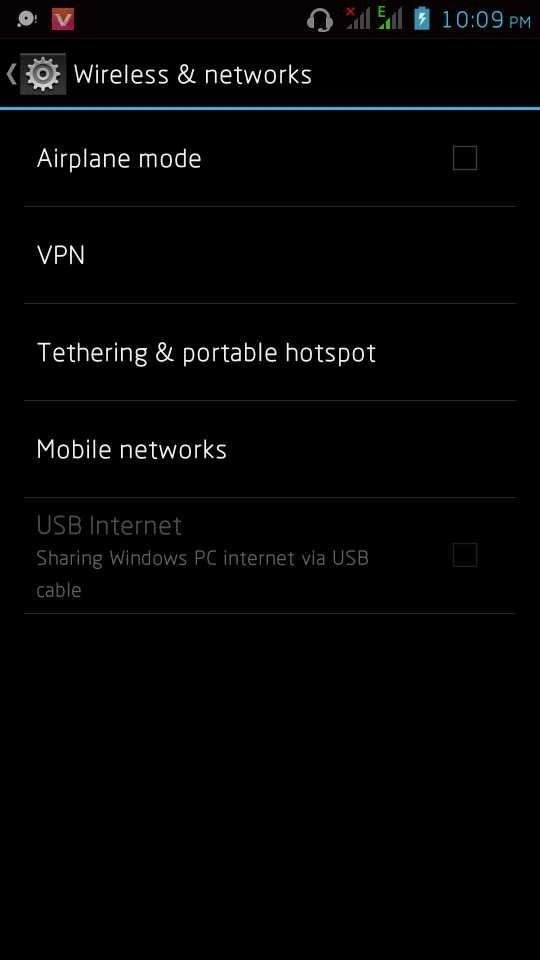
- Procedures
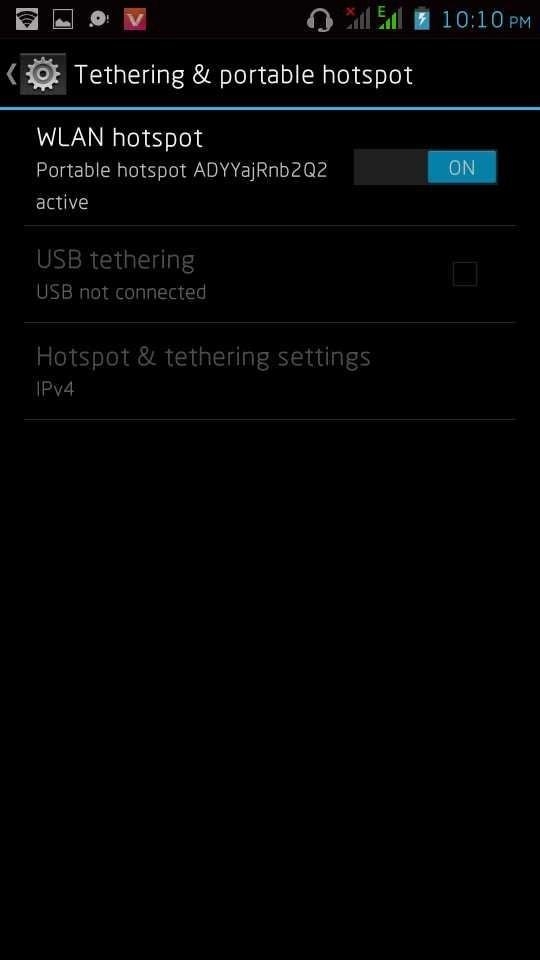
- 1.Turn on your Android’s Portable WifiHotspot, tell your friends to connect to you using their wifi. Google it if you dont know how/ or read your Phone’s user manual
- 2.Go to PPSSPP’s Settings->Networking
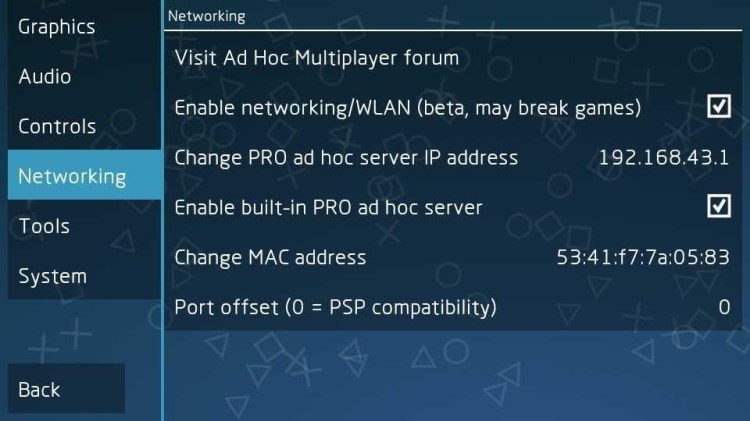

- 2.Go to PPSSPP’s Settings->Networking

- Enable Wlan- Check same function as PSP’s Wlan Switch
- Adhocserver- This is very important, wrong input will cause”freezing”. Type192.168.43.1 both players should put the same
- Enable Built-in Adhoc Server- Check only if you’re the host (the Android Phone that enabled Portable-Wifi-Hotspot)
- MacAddress- Just Click the Mac Address Line to generate a random one, just make sure that it wasn’t the same as the other’s.
- 3.Start the Game first the host then others to follow,, make sure your game is at 100% speed or closer, use frameskip if necessary.
- Here I use pes 2016 as the example
- Go to exhibition

- Choose adhoc
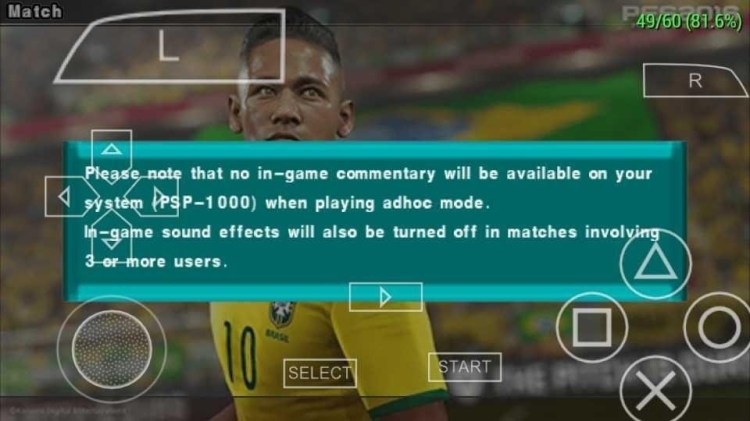
- Press x
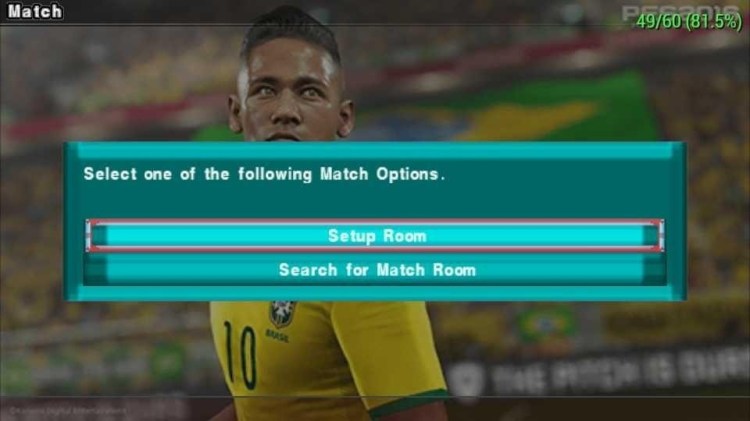
Choose which ever you want to do.
Hope this article helped you alot please don’t forget to drop your views about how useful it was…and don’t also forget about like our Facebook page at Entertainment hubz, thanks
 infoprezz